



Description
✅ This product is compatible with Model 3/Y only. Not compatible with the Highland edition. ✅
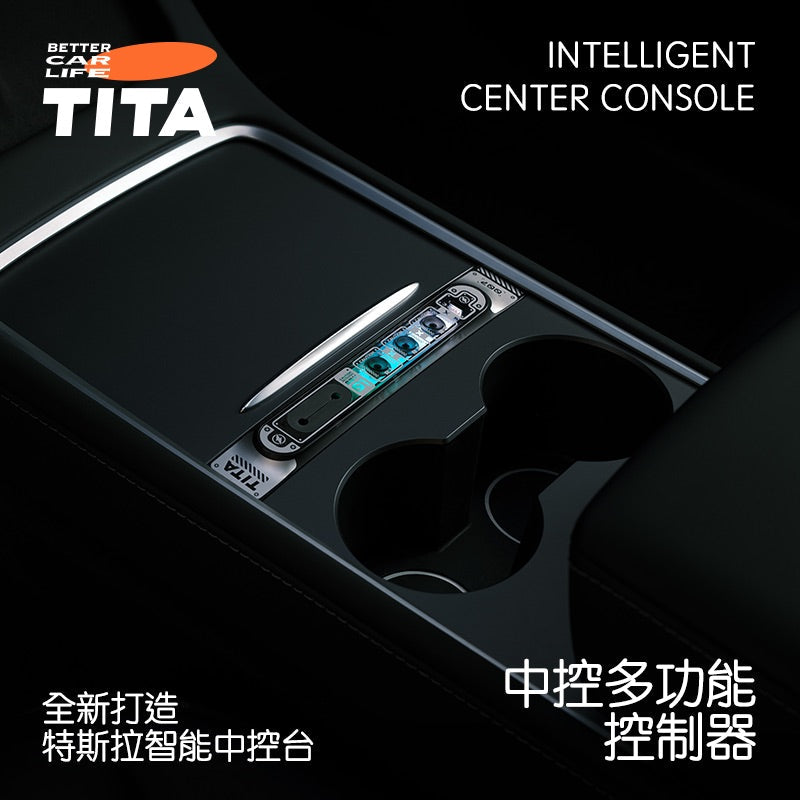
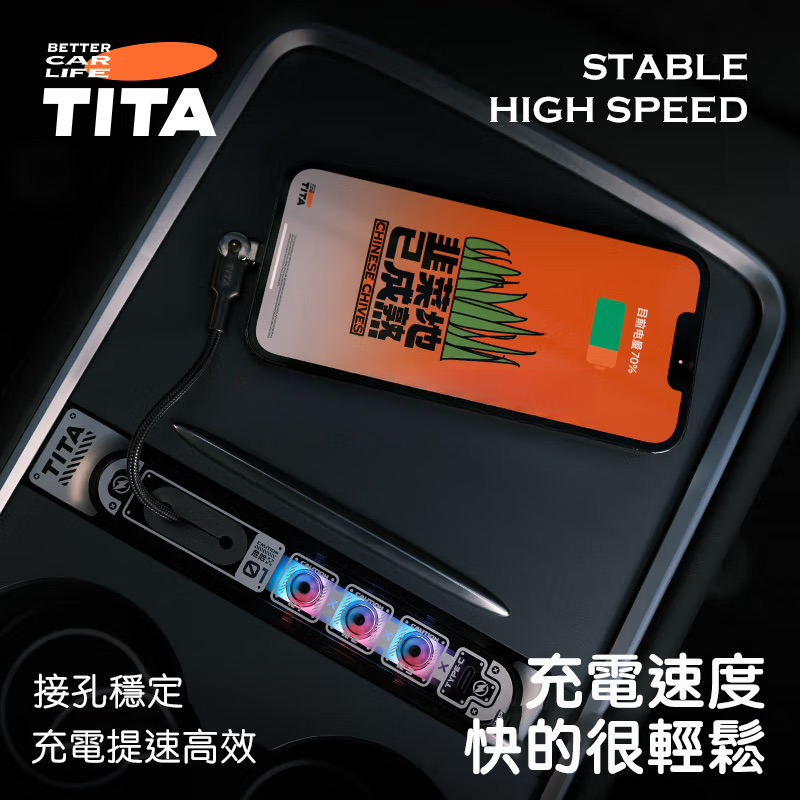
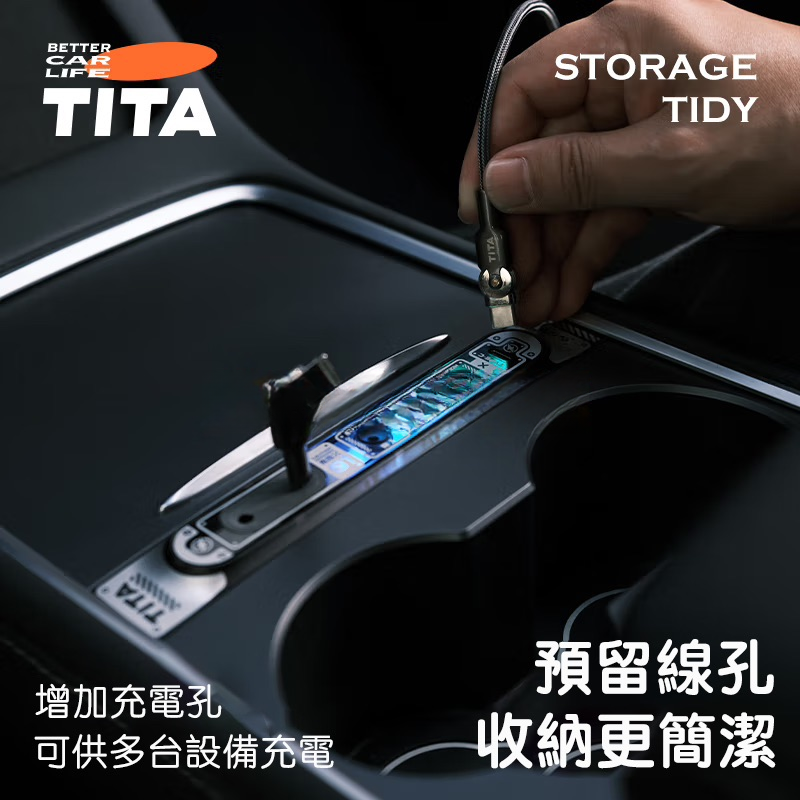
A device designed to elevate the driving experience in your Tesla by making centre console control smarter and more convenient. Featuring integrated multi-function buttons and intelligent touch operation, it gives owners a smoother, more intuitive way to manage their car's controls.
Key Features
-
Intelligent Control
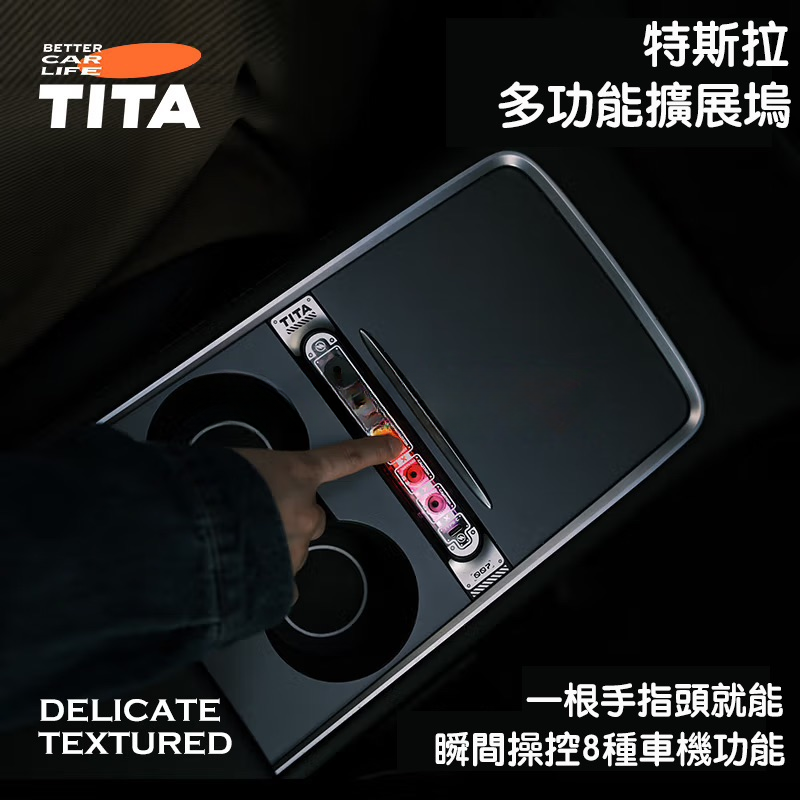
- Consolidates multiple functions into one — including volume adjustment, media playback, climate control, and navigation shortcuts.
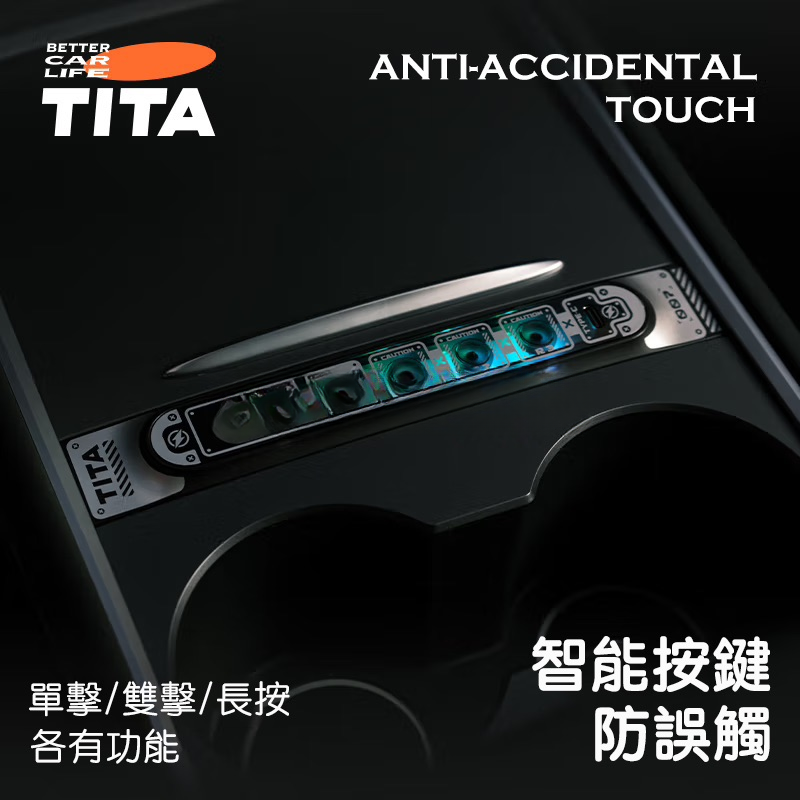
- Supports both touch and physical button operation for maximum flexibility.
-
Precision Vehicle Fitment
- Designed specifically for Tesla Model 3/Y — fits straight out of the box with no modifications required.
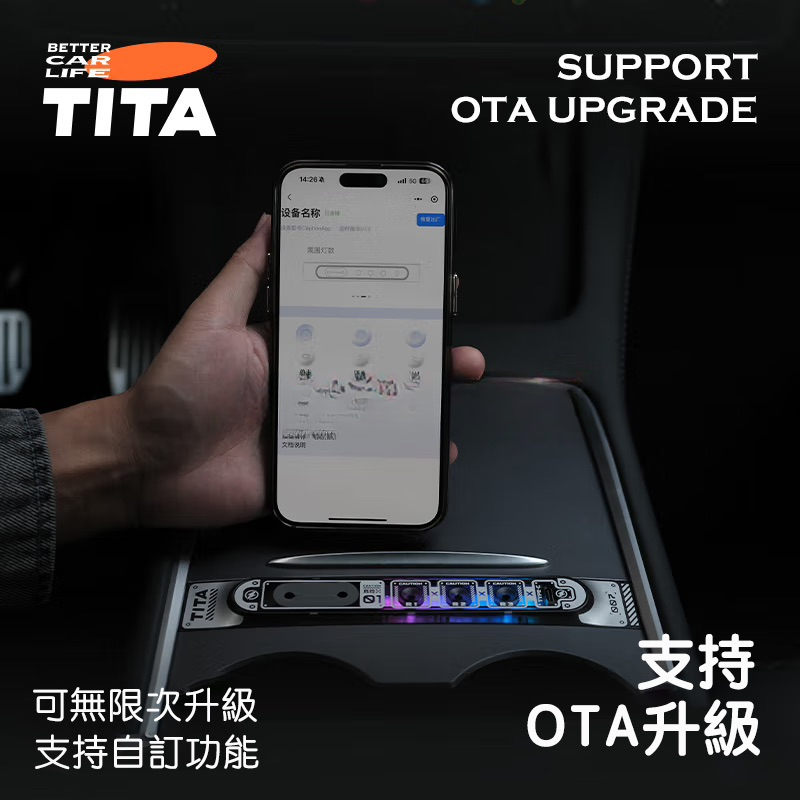
- Uses wireless connectivity to sync quickly with the vehicle's system, ensuring seamless performance.
-
Premium Materials
- Crafted from high-strength aluminium alloy and durable plastics, combining longevity with a refined aesthetic.
- Fingerprint-resistant surface finish keeps it looking clean while remaining comfortable to the touch.
-
Intuitive Design
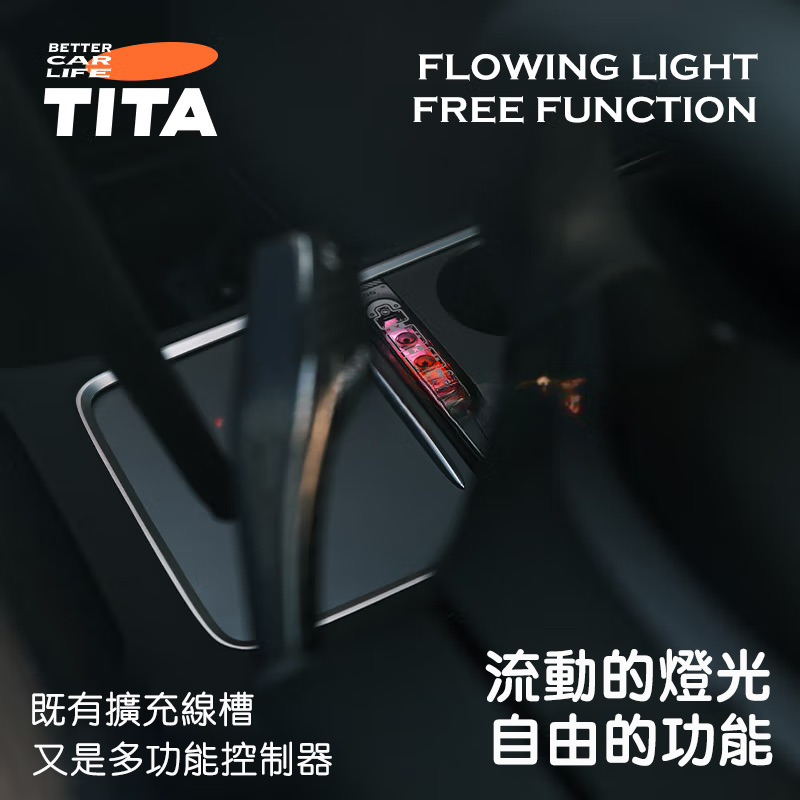
- Clear LED backlighting makes it easy to use in low-light conditions and at night.
- Ergonomically arranged buttons ensure safe and effortless operation whilst driving.
-
Versatile Everyday Use
- Perfect for managing music, quickly adjusting the climate, and more during daily drives.
- Customisable button functions let you tailor the controller to suit your personal preferences.
Installation & Setup
-
Tool-Free Installation
- Simply follow the included installation guide to mount the controller in the centre console area — no tools needed.
-
Quick Pairing
- Once the vehicle is on, power up the controller and pair it with your car's system via Bluetooth or another wireless method.
-
Easy to Operate
- Press the relevant button or tap the touch panel to carry out the desired action.
- Long-press or double-tap to access additional functions, such as switching modes or triggering shortcut commands.
Use Cases
- Music & Media Control: Skip tracks and adjust volume instantly for a better in-car entertainment experience.
- Climate & Temperature Adjustment: Set your ideal cabin environment in seconds using dedicated shortcut buttons.
- Navigation: Set destinations or switch navigation modes with ease, reducing the need to interact with the touchscreen whilst driving.
